
How to Translate Hardcoded Subtitles in Videos into Chinese? Real-Time Replacement Without Re-encoding
Can't find Chinese subtitles for a foreign-language video you want to watch? The first instinct is usually to search for a "subtitle file" — but much of this content simply has no ready-made subtitles to download: niche documentaries, personally uploaded interviews, film clips that only have embedded subtitles. What makes it worse is that these subtitles are "burned" directly into the picture: they can't be copied or extracted separately, so you're stuck squinting at the original language. This article lays out a translation approach that requires neither screenshotting line by line nor re-encoding the video: making subtitles turn into Chinese in real time, right in the picture.
First, understand: why hardcoded subtitles are hard to translate
Video subtitles come in two kinds. Soft subtitles are a text track independent of the picture — the player can load them and turn them off, and once you find the matching subtitle file you can attach it. Hard subtitles, by contrast, are rendered into the picture's pixels, merged with the image itself.
Hard subtitles are hard to translate for three reasons: the text can't be extracted — it isn't text, it's the picture; the content keeps changing — subtitles switch line by line with the dialogue, so one pass translates only one line; and regular tools can't get a grip — translation websites can only process text you paste in, not a picture that's playing.
So using "screenshot translation" against hardcoded subtitles is a disaster: the video switches lines every few seconds, and by the time you've taken the screenshot, waited for recognition and read the translation, the picture is three lines ahead. The problem isn't translation itself — it's that the speed of translation can't keep up with the pace of playback.
The real-time replacement approach: frame the subtitle band and let translations follow the picture
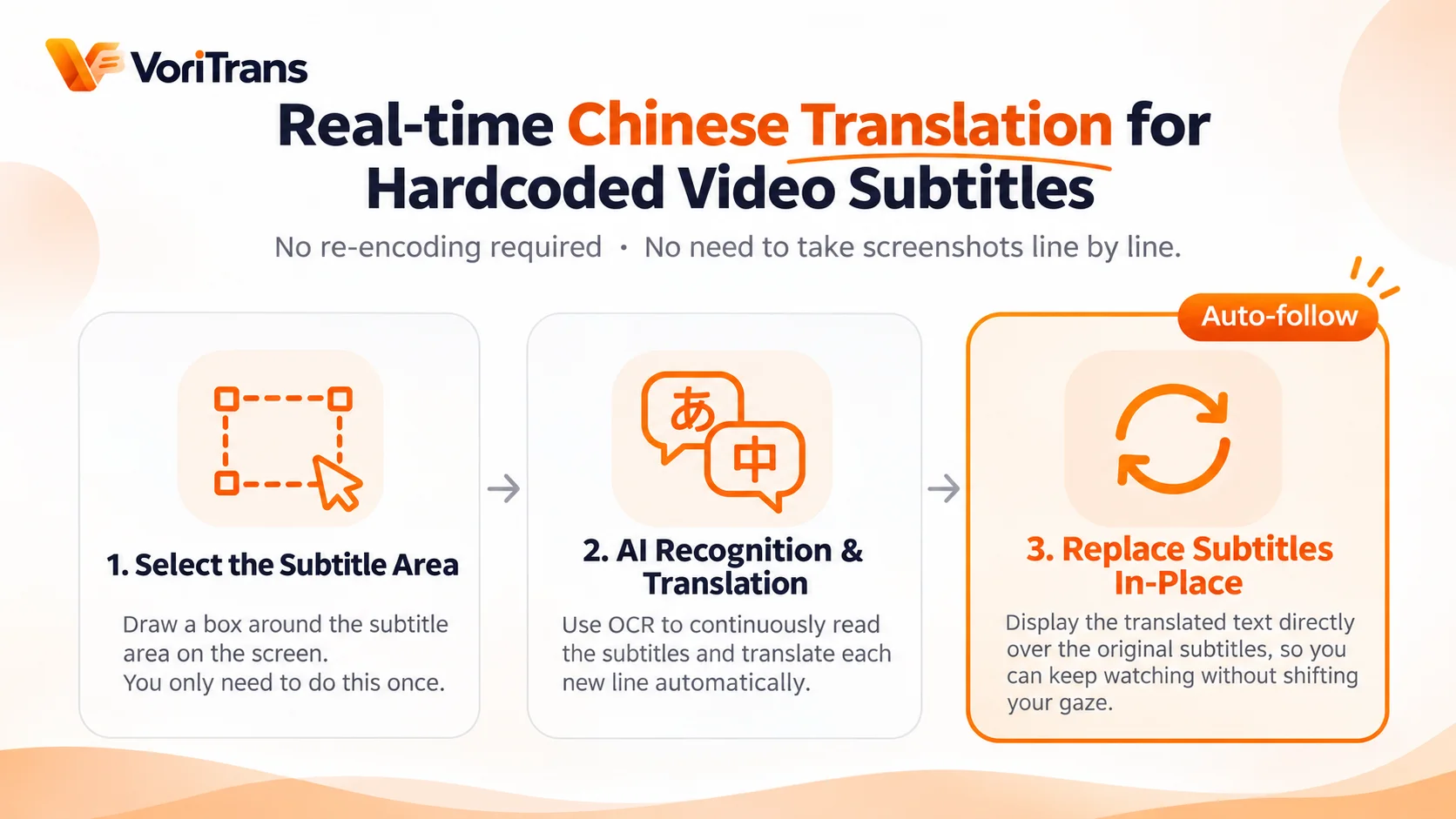
Screen translation tools take a different approach. Take VoriTrans as an example — the method is only three steps:
- Frame the subtitle area: on the playing picture, select a horizontal strip that contains only the subtitles. Doing it once is enough.
- The tool keeps recognizing: OCR continuously reads the text appearing in that strip; whenever the foreign subtitle changes to a new line, recognition follows automatically.
- Translations replace in place: the translation is displayed directly over the subtitle's original position, so your eyes never move a bit while watching.
The key is that steps 2 and 3 loop continuously. When a new sentence appears in the subtitle band, the translation refreshes automatically — no need to touch the mouse the whole time. The effect you see is: it's still the same video, but the text on the subtitle band has become Chinese — done in real time during playback, generating no new file and never modifying the original video.
Three details that decide whether the experience is actually good
Even when watching raw, unsubtitled videos with real-time translation, different framing and settings habits produce noticeably different results:
- Frame small, not big: select only the horizontal strip containing the subtitle text, not the whole picture. The smaller the area, the more accurate and faster the recognition, and the lower the risk of misreading on-screen content.
- Adjust the translation style to the scene: when the subtitle area is bright, translations with a dark outline are clearer; if you don't like overlay display, switch to caption-style display that pins the translation to the bottom of the picture, with adjustable font size and weight.
- Re-frame when the scene changes: switching from a movie to a series with an opening, or from fullscreen to windowed mode — whenever the subtitle position changes, re-frame once. It takes a few seconds.
These details apply equally to comic speech bubbles and game dialogue — the smaller and more precise the frame, the better. It's a universal principle for all screen translation scenarios.
What it covers, and what it can't do
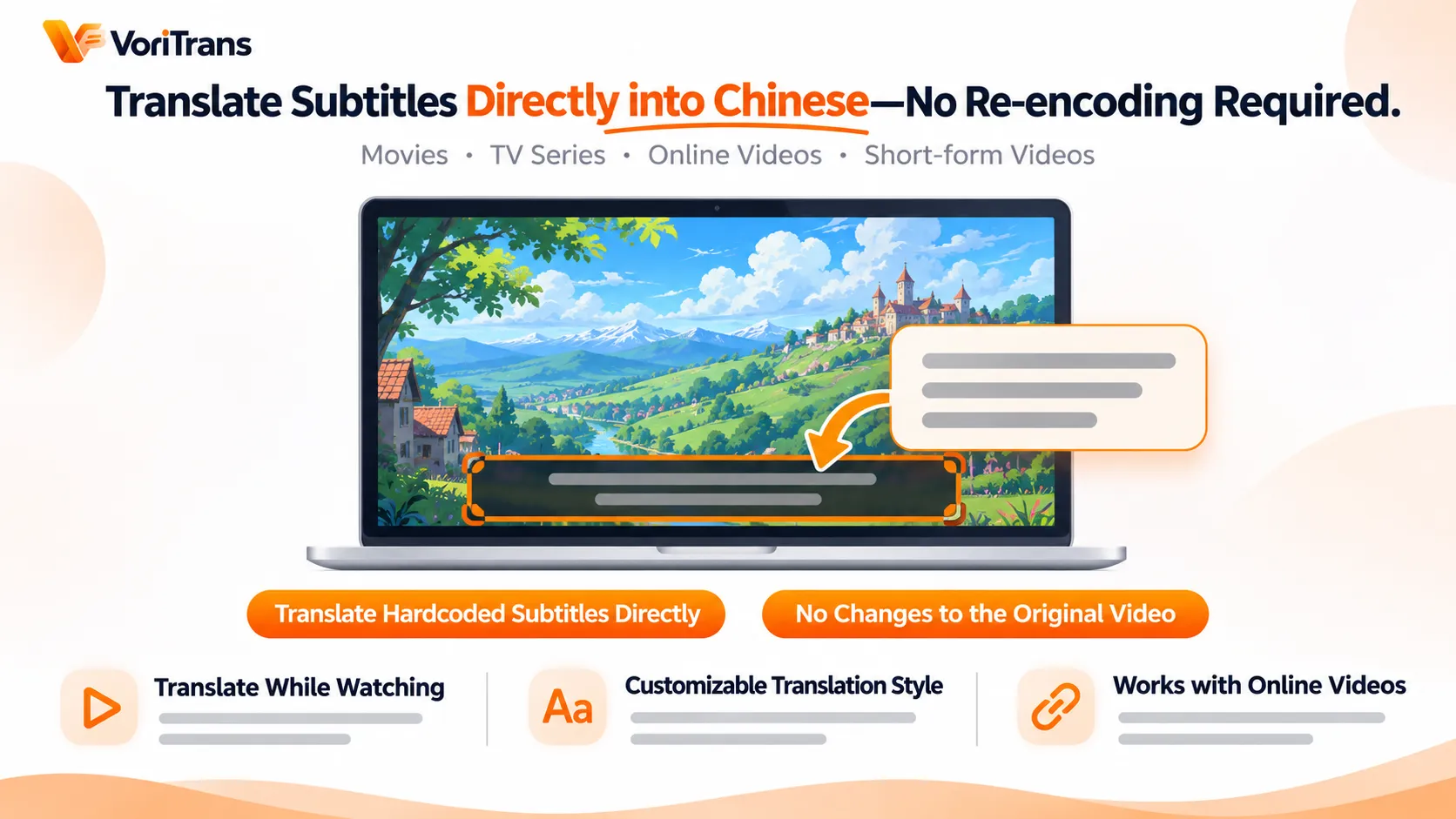
The range of use is wider than you might think: movies in a local player, videos streaming on the web, feed videos on social platforms — as long as the subtitle text is displayed on screen, you can frame and translate it. As for languages, 105 languages including Chinese, Japanese, Korean and English can be combined in any direction, with Simplified Chinese, Hong Kong Chinese and Traditional Chinese (Taiwan) as three separate options.
The limits need to be clear too: it translates subtitle text already shown on the picture. It does not include speech transcription, won't translate spoken content that has no subtitles, provides no dubbing, and won't export a video file with new Chinese subtitles. In other words, it solves "translate while watching," not "processing videos." If what you need is to add shareable new subtitles to a video, that's a job for a different kind of tool.
Start free — you'll be up and running in minutes
Most tools in this category offer a free tier. VoriTrans's Windows client works as soon as it's installed; free accounts get monthly translation credits — 1,000 for guests and 2,000 after registration, valid for the current month, enough to get started with everyday video watching. If your usage grows, consider a membership; plan rules are subject to the official pricing page.
Rather than agonizing over which tool has the strongest specs, use the free tier on the raw video you most want to watch: frame the subtitle band, play for five minutes, and you'll see at a glance whether recognition is stable and whether the translations keep up.
FAQ
Does real-time translation damage the original video or affect picture quality?
No. The translation is displayed as an overlay on the picture; the original video file is not modified in any way, and the picture returns to normal when you close the tool. The clarity of the translation depends on the font size and outline you set, not on the video's own picture quality.
Can it translate speech-only videos without subtitles?
No. A screen translation tool processes text already displayed on the screen; the video must have subtitles first (including hardcoded subtitles in the original language). Purely spoken content, interviews or podcasts without subtitles are out of scope — speech transcription and dubbing are capabilities of another category of tools.
Does this work for videos on online streaming sites?
Yes. As long as the video picture is displayed on the screen and the subtitle text is clearly legible, there is no difference between web playback and a local player. Some sites' fullscreen mode may interfere with overlay display; if recognition misbehaves, switching to windowed playback usually solves it.