Can't Follow the Story in Japanese RPGs? A Screen Translator Reads Dialogue and Quests in Real Time
Updated
You finally reach that legendary story scene in the middle of the night, only to be greeted by a full screen of Japanese—you recognize a few kanji, but strung together they make no sense. By the time you've looked up the words on your phone, the dialogue has already moved on. When playing a Japanese RPG with no official translation, what drives players away is never the difficulty—it's that the story never sinks in: you don't know what the main quest is about, you can't make out the objective conditions, and you don't dare click the dialogue options at random. This article introduces a way to turn dialogue and quests into your language as you play—no waiting for a fan translation patch, no screenshotting line by line.
Why is Japanese RPG text harder to chew than ordinary foreign-language content?
Many players have a basic foundation in Japanese and can follow anime dialogue, yet still get stuck in RPGs. The reason is that RPG text and spoken language are two different things:
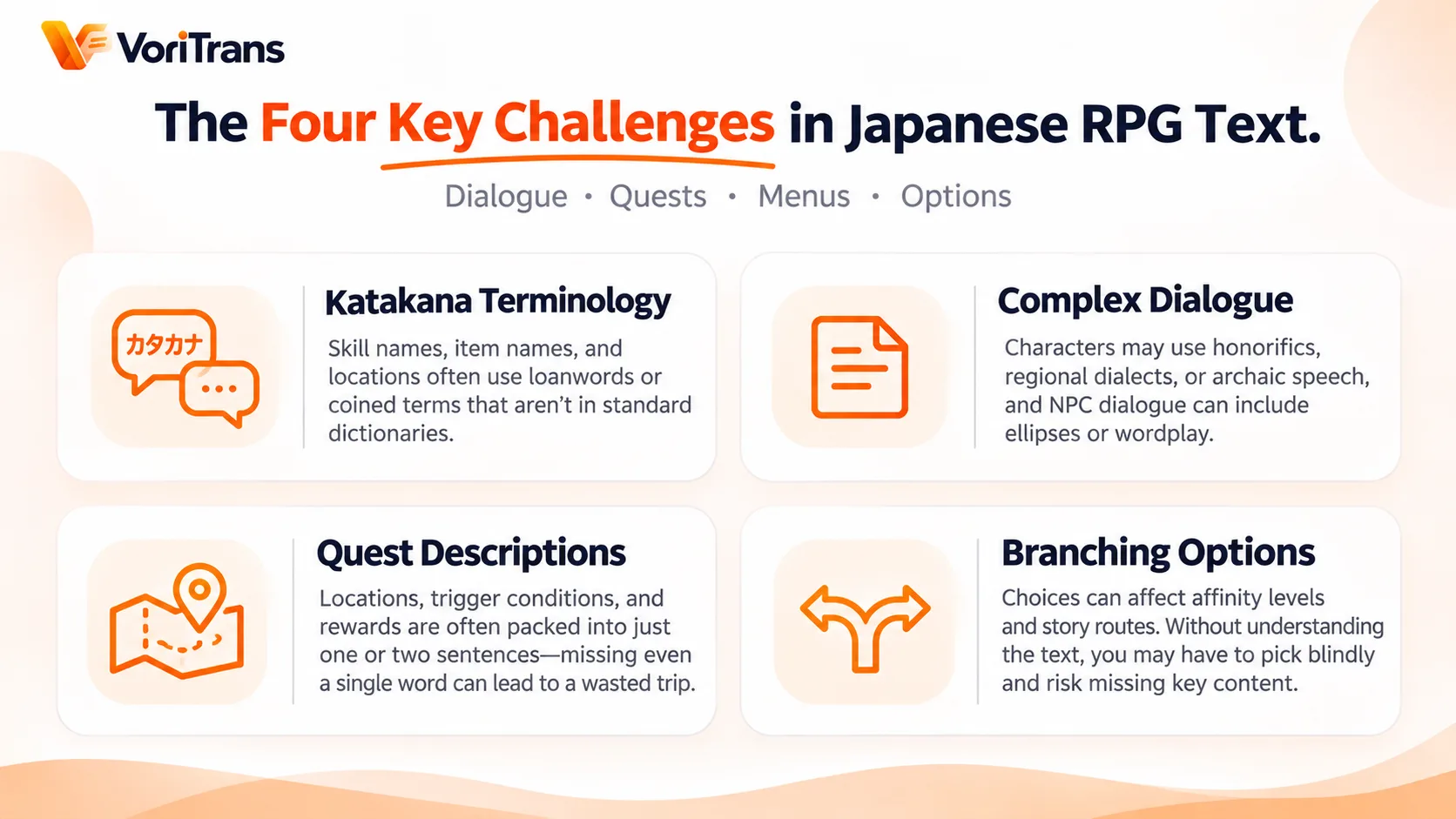
- Dense katakana terminology: skill names, item names, and place names rely heavily on loanwords or invented words that can't be found literally and don't match any dictionary entry.
- Complex dialogue style: characters speak with keigo, dialects, and archaic tones; NPC lines add ellipsis and double meanings—brute-force reading at N3 level is exhausting.
- Dense quest descriptions: locations, trigger conditions, and rewards are packed into one or two sentences; miss a single word and you may cross an entire map for nothing.
- Choices carry a price: affinity points and branch directions hide in the wording of the options; if you can't read them, you can only pick by feel and fear missing story content if you choose wrong.
These traits mean that playing a JRPG with a "look it up when confused" approach chops the pacing into fragments and reduces story immersion to nearly zero.
How a screen translator takes over: frame the dialogue, and the translation follows the story
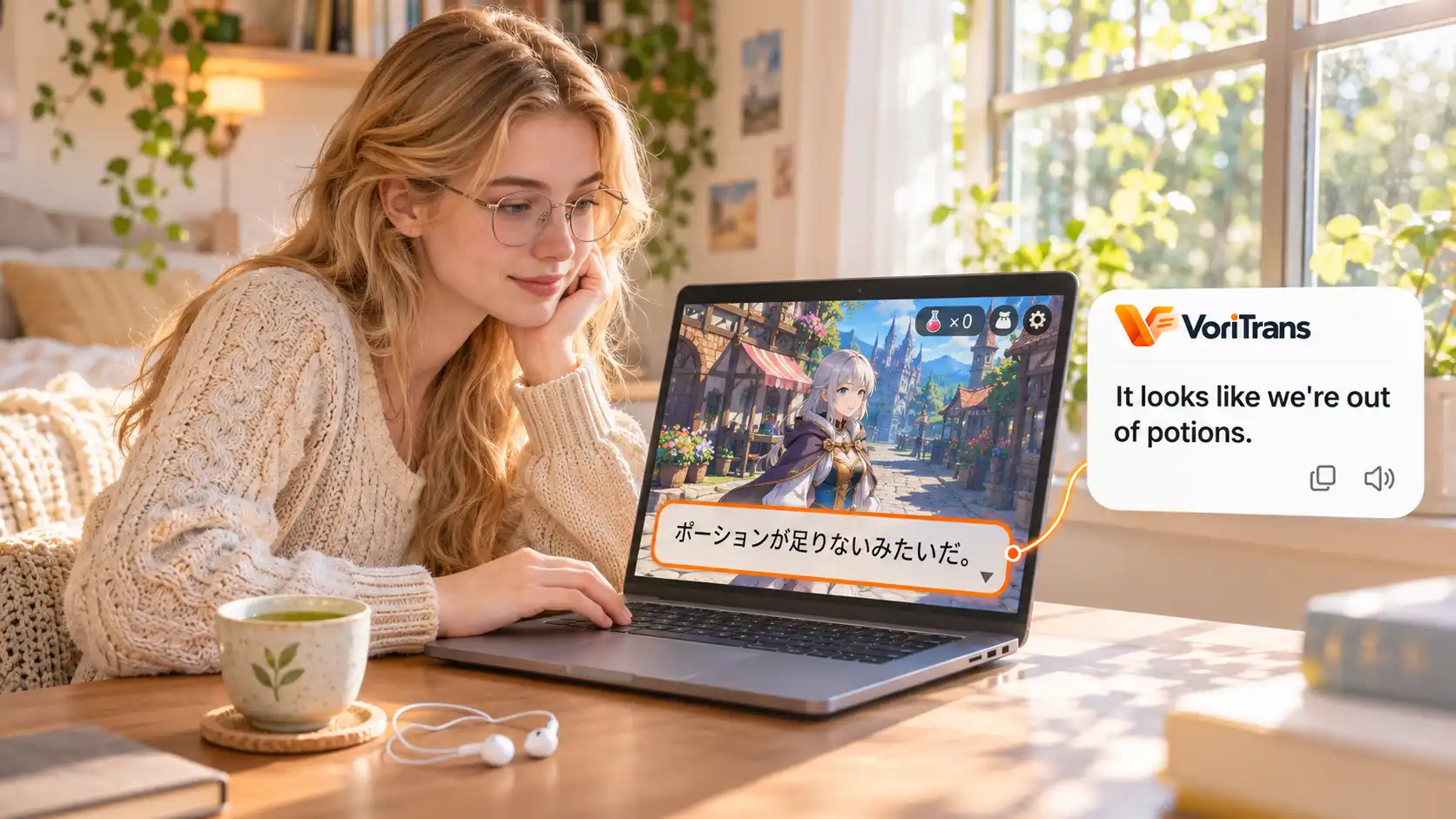
The idea behind a screen translator is to embed translation into the game screen itself. Taking VoriTrans as an example, you frame a region of the screen—say, the dialogue window—and the tool continuously recognizes the text that appears in that region, translating it into your language and displaying the result directly over the original position. When the next line of dialogue pops up, the translation refreshes automatically, with no need to touch the mouse the whole time.
For RPGs, this means the story advances at your own pace: while reading dialogue, the translation sits inside the dialogue box; while exploring, you can ignore it; in battle, you can glance at an unfamiliar skill description. It doesn't modify game files or spawn new windows—the screen looks exactly as it did before; only the words have become your native language.
Zoned selection: handle the dialogue box and quest log separately
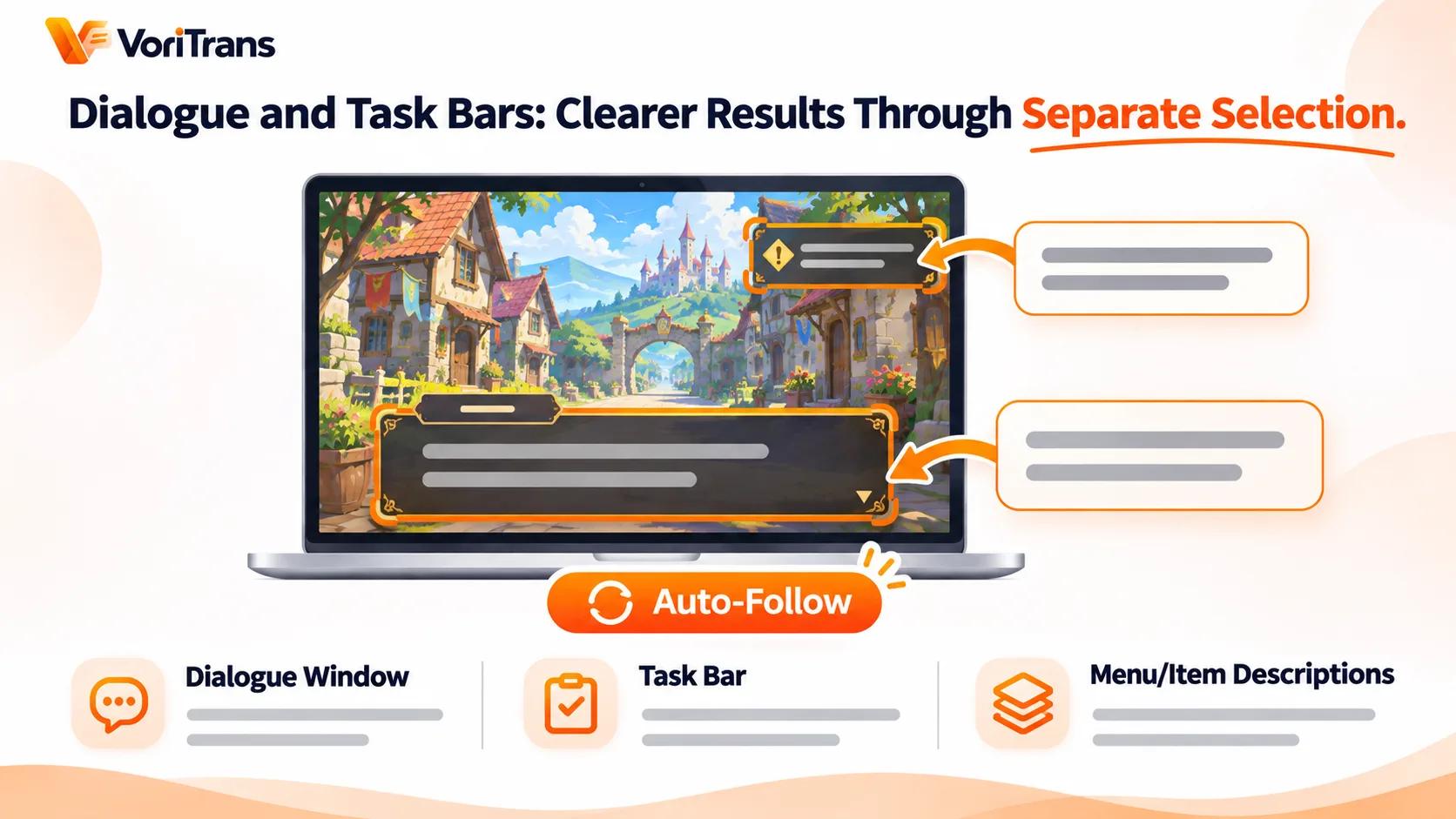
In actual play, the quality of the experience depends largely on how you frame regions. RPG interface text comes in several types, so it's best to frame them separately:
- Dialogue window: frame the dialogue box area to cover your main reading needs during story scenes—this is the first region worth framing.
- Quest log and quest details: objectives and progress hints usually sit fixed in a corner of the screen; frame that block on its own so you can read the translation directly when accepting quests and checking progress.
- Menus and item descriptions: when you need to sort equipment or use items, temporarily frame the description area, then switch back to the dialogue frame once you're done.
VoriTrans provides source layout options such as game interface and game story dialogue, and with vertical text recognition it can also handle the vertical menus and classical writing styles common in Japanese games. For recurring words like character names and skill names, add them to the glossary in advance to lock in their translations—the "hero" keeps the same spelling from start to finish, so long stories stay consistent and easy to follow.
The translation display can be tuned to your comfort
Game screens are visually busy, so how the translation is displayed directly affects readability. Font size, weight, and outline are all adjustable: pair bright scenes with a dark outline and use light text inside dark dialogue boxes; if overlay-style display doesn't suit you, switch to subtitle-style display, pinning the translation to the edge of the screen so it never blocks key UI. Set these once and every future session reuses them.
What it covers, and what it can't do
Story dialogue, quest text, menus, item descriptions, branching options—as long as text is displayed on screen, it's within scope; text-based dating games and visual novels, genres built around text, work just as well. With 105 languages to combine with one another, Simplified Chinese, Hong Kong Chinese, and Traditional Chinese (Taiwan) are three separate options.
The boundaries should also be made clear: it translates text already displayed on the screen; voiced content without subtitles can't be translated—speech transcription and dubbing are outside its scope; certain full-screen games or games with special anti-cheat mechanisms may affect recognition quality, and if something goes wrong you can switch to windowed mode and try again. The tool is primarily a reading aid; in online games, please follow the platform's terms of service.
Start with free credits
There's no need to buy any plan first: install the Windows client and it works right away—the local model consumes free credits: 1,000 per month for guests, 2,000 after registration, valid within the current month, enough to get through several main-story stretches; if your usage grows, look at the membership plans, with the rules governed by the official pricing page. Load a save that has stumped you for ages, frame the dialogue window, and let it run for ten minutes—whether the story finally reads smoothly, you'll know in one try.
FAQ
Can I use it without installing a fan translation patch?
Yes. A screen translator reads the text shown on screen; it doesn't modify game files or inject into processes—something completely different from applying a patch. For niche RPGs with no translation plans, this is a faster route than waiting for a patch.
Do dialogue and quest log really need to be framed separately?
Separate framing is recommended. The dialogue window has large, fast-refreshing text, while the quest log has small text in a fixed position; mixing them in one frame makes recognition prone to mutual interference. Frame each region once—afterwards everything follows automatically, so the actual operating cost is very low.
Can in-game voice without subtitles be translated?
No. The tool processes text already displayed on screen; voice content must have subtitles to be translated. Fortunately, key information in most Japanese RPGs is shown as text, and purely voiced scenes usually come with subtitle support, so story reading isn't affected.