How to Read Raw Manga: Real-Time Reading with a Screen Translator
Updated
The raw manga piling up in your bookmarks keeps growing: the scanlation group dropped it, nobody picked it up, and the story you want to read only exists in the original language. You can grind through one page with a dictionary in hand, but ten pages in and the enthusiasm is gone — the problem isn't vocabulary, it's that every single line forces you to stop and process a translation. This post lays out a workflow that doesn't interrupt reading: plug screen translation into the act of reading, translate as you turn pages, and keep the text right where it belongs.
Why is raw manga so hard to finish?
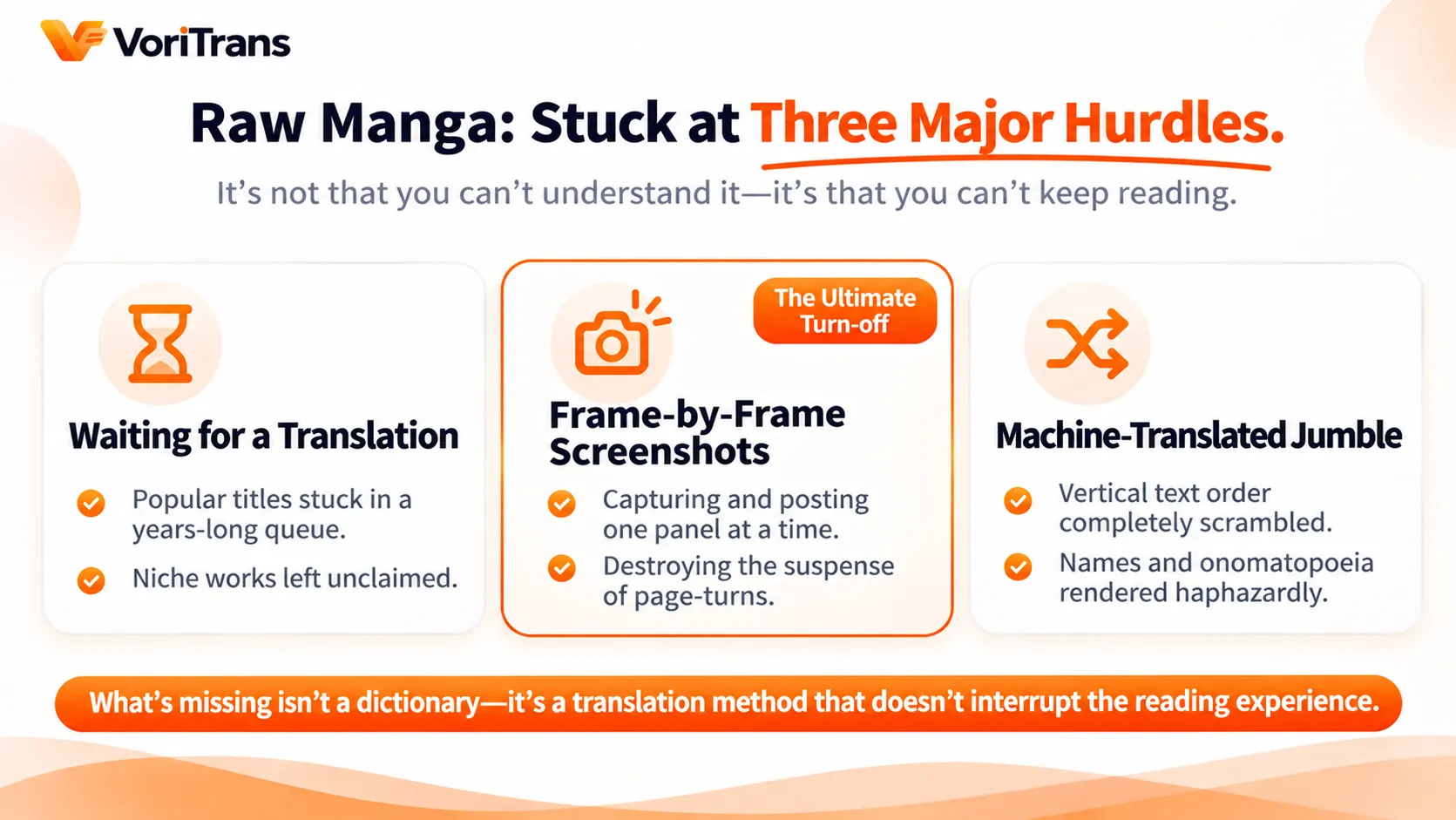
Raw refers to manga with no translated version at all. For most readers the frustration is the same, and it usually comes down to three walls:
- Waiting for a translation doesn't scale: popular titles have scanlation queues, niche genres go unclaimed for years, and waiting years for a series is the norm;
- Panel-by-panel screenshots wreck the pacing: crop one panel, paste it into a translator, repeat — a few pages of that and the cliffhanger momentum is shredded by copy-paste;
- Machine translation output is unreadable: vertical text comes out with scrambled word order, onomatopoeia and names get handled arbitrarily, and you want to quit after two lines.
What's actually stopping you isn't "I don't understand" — it's "translating interrupts the reading." Everyone has a dictionary; what's missing is a way for translation to keep pace with reading.
The real-time reading idea: translation follows the page turn
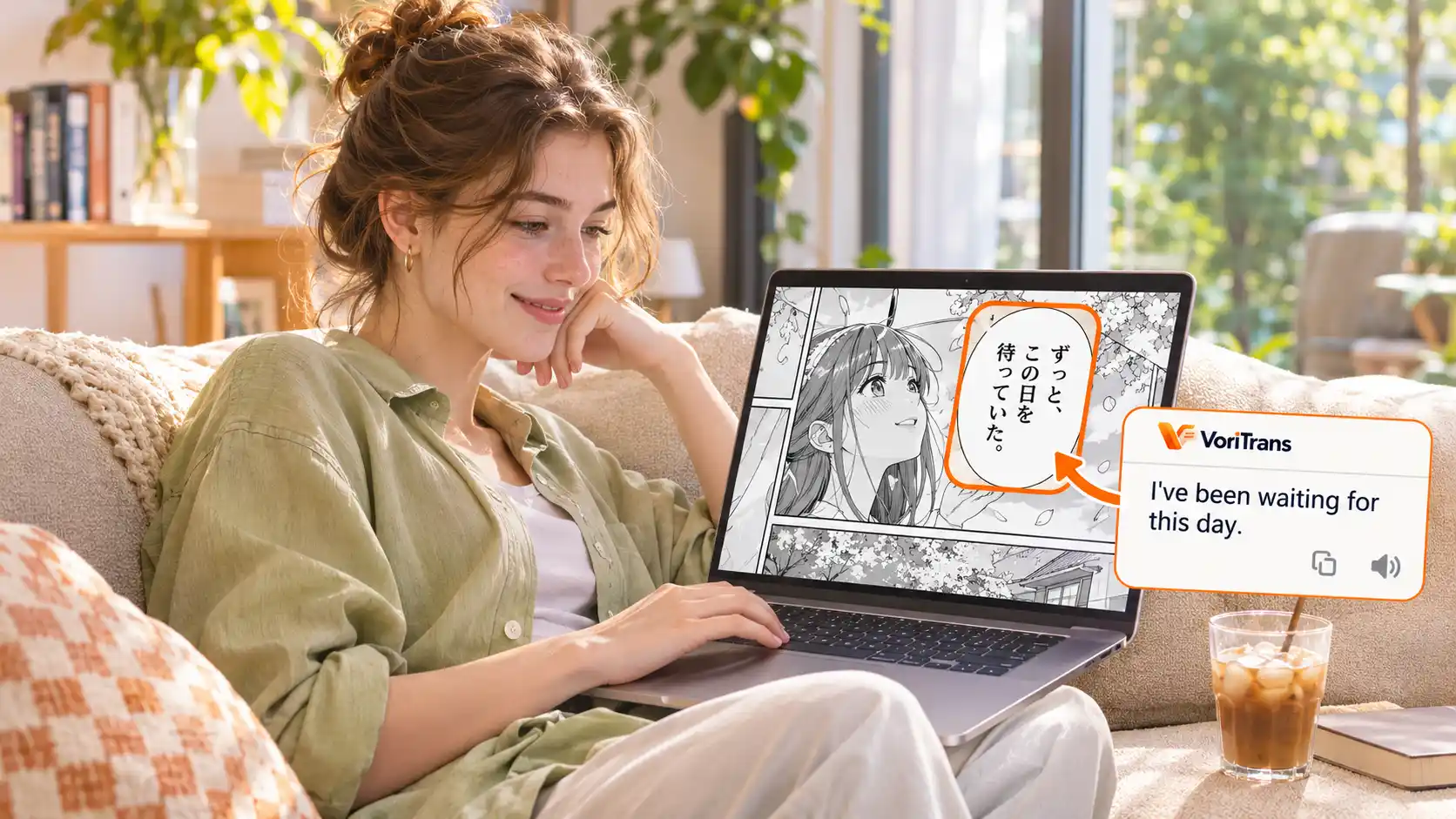
A screen translator works the opposite way from screenshot translation: it frames a region of the screen, automatically recognizes the text displayed there, puts the translation back in place once it's done, and updates it whenever the text changes. Applied to reading manga, the change is this — your only action is turning the page, and translation keeps up in the background.
In other words, the reading flow isn't squeezed into a translation tool; translation is wired into the reading flow. You flip pages right to left as usual, and the text inside the speech bubbles switches on its own to a language you know. On the recognition side, the original layout is chosen automatically based on content — horizontal and vertical manga each get dedicated handling, which understands paneling better than generic screenshot OCR.
Set up your raw-reading environment in four steps
Using VoriTrans as an example, four steps after installing the desktop app and you're reading:
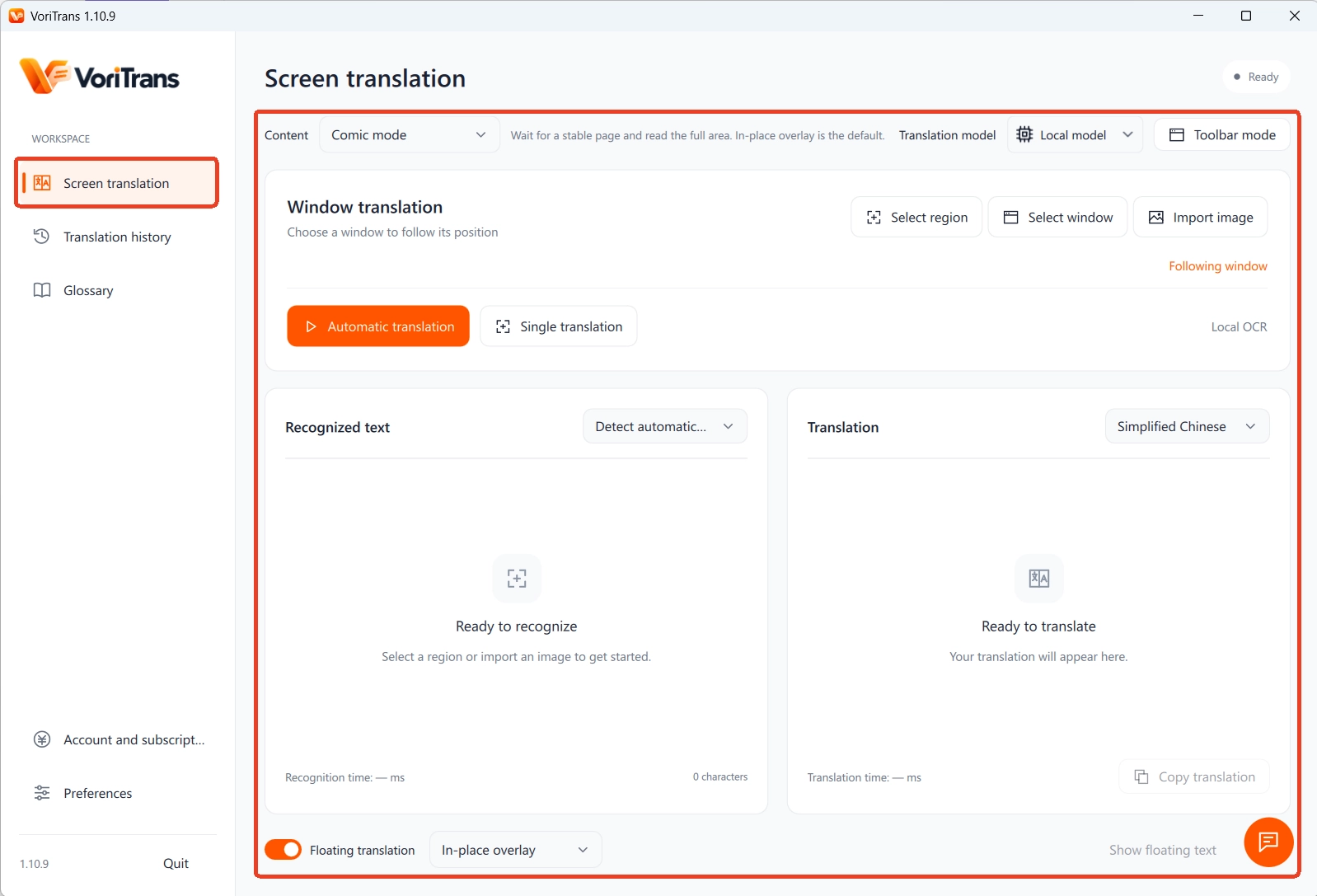
Step 1: pick "Manga mode". Open the screen translation page on the left, and under "Content type" choose "Manga mode" from the three options — recognition and layout both follow manga page conventions.
Step 2: frame the reading area. On the manga site, use "Select region" to frame the main body of the current page. The region stays active once set — turn to the next page and the same spot is translated again automatically, with no re-framing per page.
Step 3: pick the model and target language. For the translation model, start with the "Local model" — it consumes no credits; the source language is detected automatically, and you choose your target from 105 languages.
Step 4: turn on auto translation and in-place overlay. Flip on the "Auto translate" switch at the bottom left and, under "Translation mode" at the bottom, choose "In-place overlay" — the translation is laid back into the bubbles along their contours, and your reading posture never changes.
Four details that make long sessions work
Getting the environment set up is just the start; whether you can read dozens of pages in one sitting depends on a few details:
- Bubble typesetting: the translation stays inside the bubble outline instead of piling up in a sidebar; font size, weight, and stroke are all adjustable, so even dense dialogue stays legible;
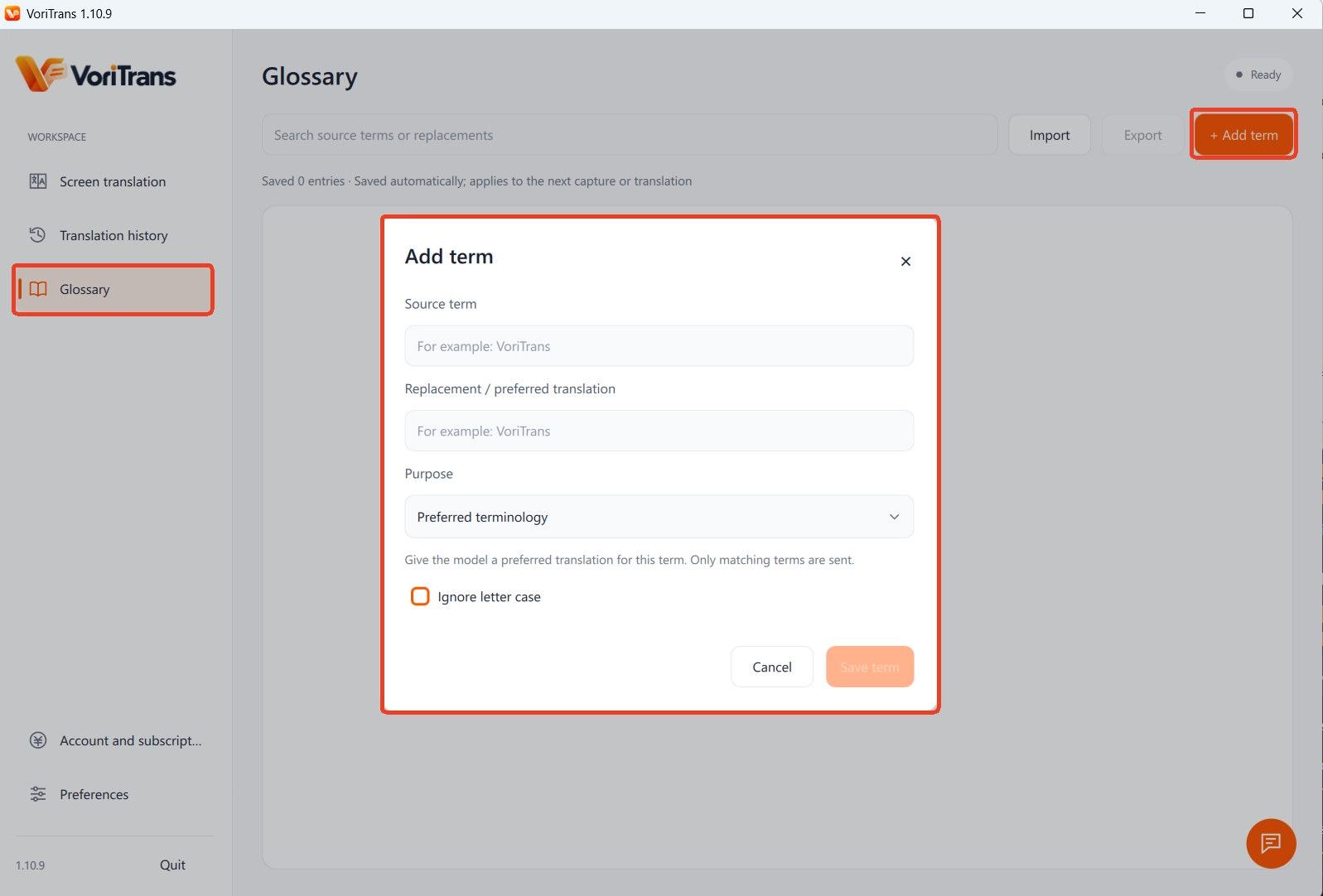
- Consistent names: add the protagonist's name in the "Glossary" with the original term and your preferred rendering; you can check "Ignore letter case," edits save in real time and take effect on the next recognition or translation — names stop jumping around over a long read;
- Recognition fixes: for fancy fonts and tiny text that keep getting misread, use "OCR correction" to pin the original word to the correct spelling instead of fixing it by hand over and over;
- Checking back on the plot: translation history is saved locally, so when you can't remember a setup from dozens of chapters ago, scroll back and find the original and translation at a glance.
Following serials and clearing your backlog: two workflows
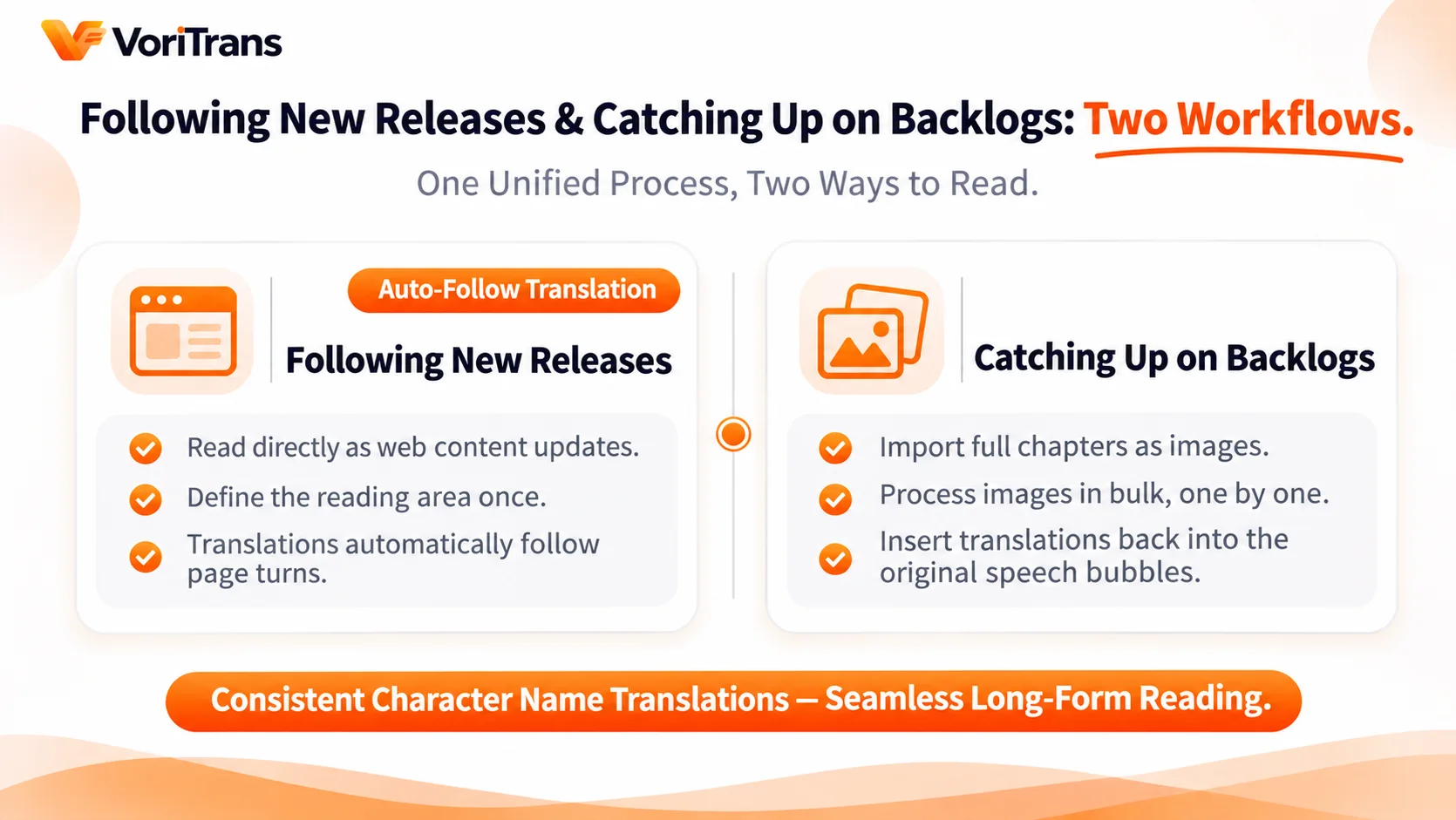
Raw manga comes in two reading styles, and the flows differ. In both, you can click "Toolbar mode" at the top right to collapse the main window into a small floating bar, switching translation mode between single-shot and auto anytime without disturbing your reading:
- Following serials: for weekly web manga, keep the browser open, frame the reading area once, read the day an update drops, and the translation follows the page turns;
- Clearing the backlog: for image files of whole chapters you've saved, use the "Import images" entry to batch translate, processed chapter by chapter, with text laid back into the bubbles — no screenshotting each page.
On cost, no decision needed up front: the installer is on the official download page, and the local model consumes free credits — 1,000 a month for guests, 2,000 after registering, valid for the current month, more than enough to get through a chapter; if your usage grows, compare membership plans, with the rules as stated on the official pricing page.
Know the limits, too: stylized onomatopoeia lettering and sloppy handwriting can still be misrecognized, so treat the artwork as the source of truth there; manga is a static image so there's no speech problem, but spoken dialogue genuinely can't be handled — that's a different kind of need.
Pick one long-saved raw, frame the first page and try it: pages without stopping, text in the bubbles, names consistent throughout — the difference in reading feel is obvious the moment you try.
FAQ
What does "raw manga" mean?
Manga available only in its original language, with no translated version at all. The term comes from the gaming scene: "raw" refers to the untranslated original content, while "cooked" refers to a version that already has a translation.
Will real-time translation break the manga's original layout?
It never replaces the original file — the translation is only overlaid on the screen. In manga mode the text is laid back along the bubble outlines, and page zooming and turning are unaffected; turn translation off and the screen snaps back to normal instantly.
Is the free quota enough to finish a volume?
The local translation model costs nothing extra and only consumes the monthly free credits: 1,000 for guests, 2,000 after registering, valid for the current month. At one chapter's usage, one to several chapters are covered; heavy readers can look at memberships or credit packs, with the official pricing page as the live source of truth.