What Is a Screen Translator? How Game Dialogue and Manga Bubbles Get Translated in Real Time
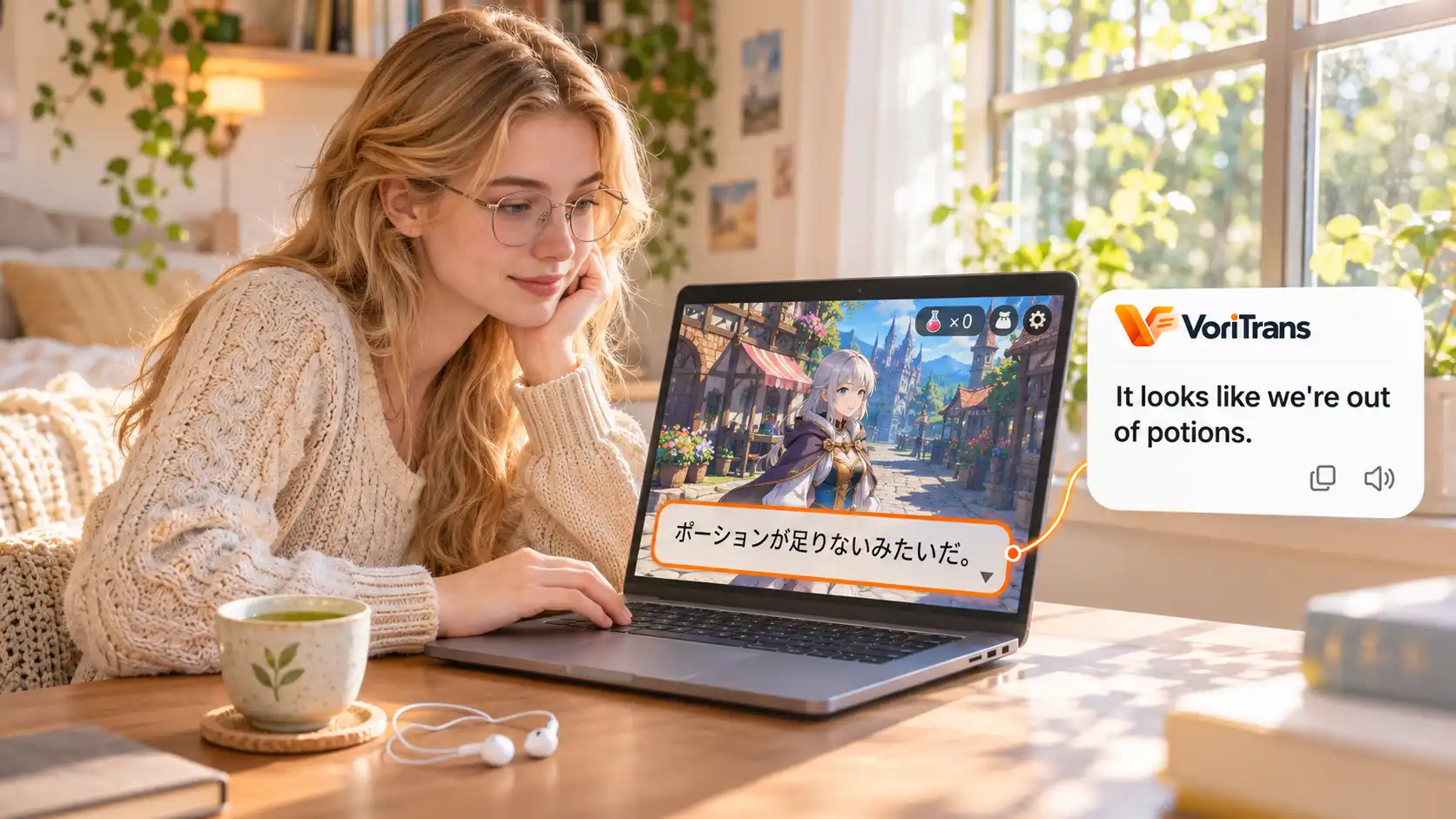
Chasing a manga that was never localized, or playing a Japanese RPG with no official translation, the exhausting part is rarely the content itself. It is the reading loop: pause, screenshot, switch to a translation site, paste, wait, then find your way back. A screen translator removes that loop. It reads the text already displayed on your screen and puts the translation back where the original words sit.
Why a screen translator can translate while you watch: four steps
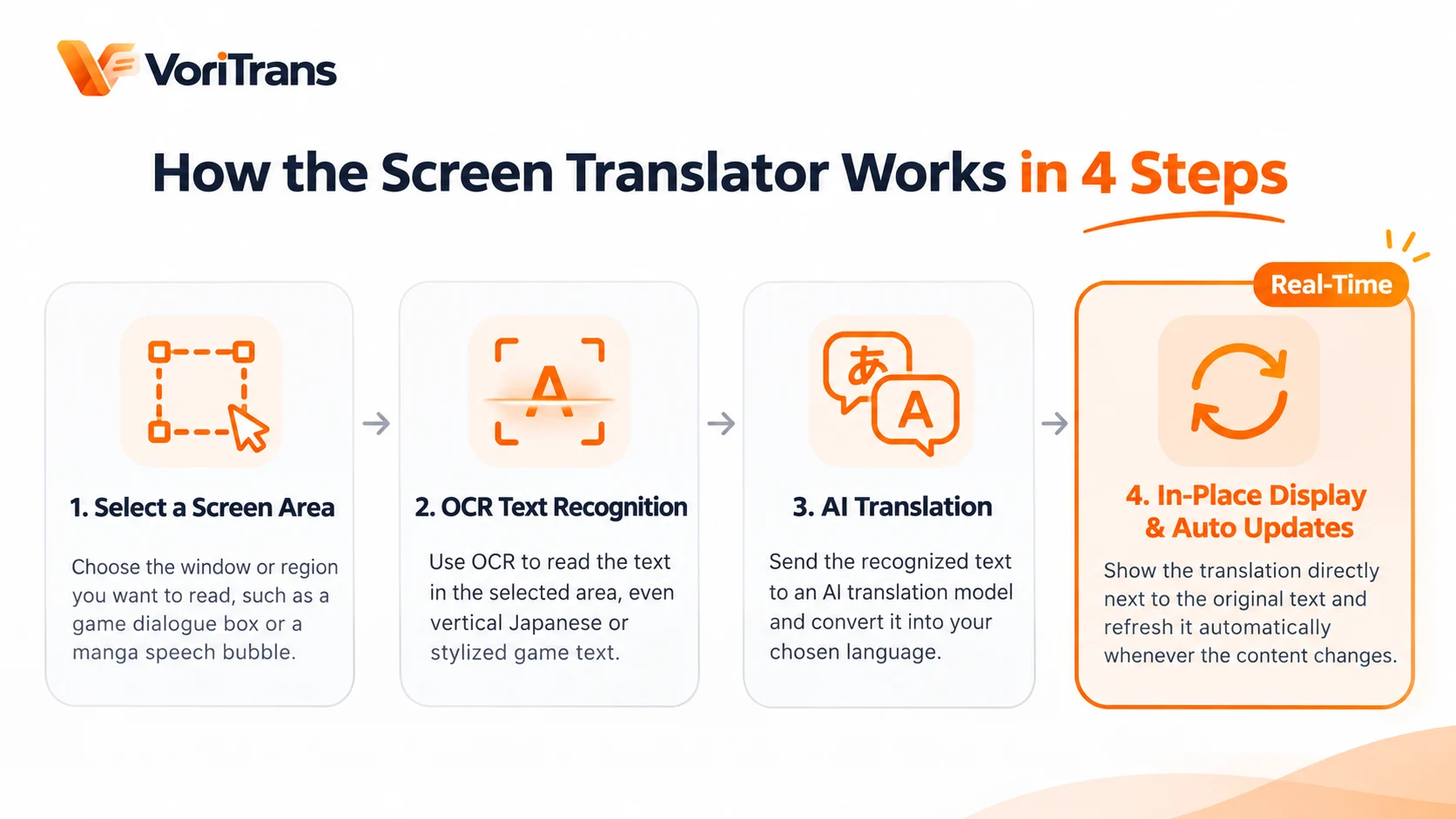
The workflow breaks down into four steps, each replacing one manual action:
- Select a region: choose the window or the exact block you want to read, such as a game dialogue box or a row of manga bubbles.
- OCR recognition: optical character recognition reads the visible text, including vertical Japanese and stylized game fonts.
- AI translation: a translation model converts the recognized text into your target language.
- Overlay and update: the translation appears near the original text and refreshes automatically when the words change.
Step four is where tools separate. Genuine real-time translation is not "translate once" — it keeps following the region: the next dialogue line, the next bubble, the next subtitle all get updated without another screenshot. The rhythm of your reading stays locked to the rhythm of the content.
How it differs from screenshot translation
Screenshot translation is one-shot: one capture, one result, repeated forever. It works for a single phrase, but for continuously changing content every interruption costs attention. A screen translator turns that into a continuous process:
- Select once: later text is picked up automatically.
- Translation stays in place: your eyes never bounce between the game window and a browser tab.
- Reading rhythm holds: recognition and translation run continuously, keeping pace with dialogue and subtitles.
In short, screenshot translation answers "what does this sentence mean"; a screen translator solves "I can keep reading this whole scene".
Where it helps most: game dialogue and manga bubbles
Some foreign-language content rewards a translation tool more than others:
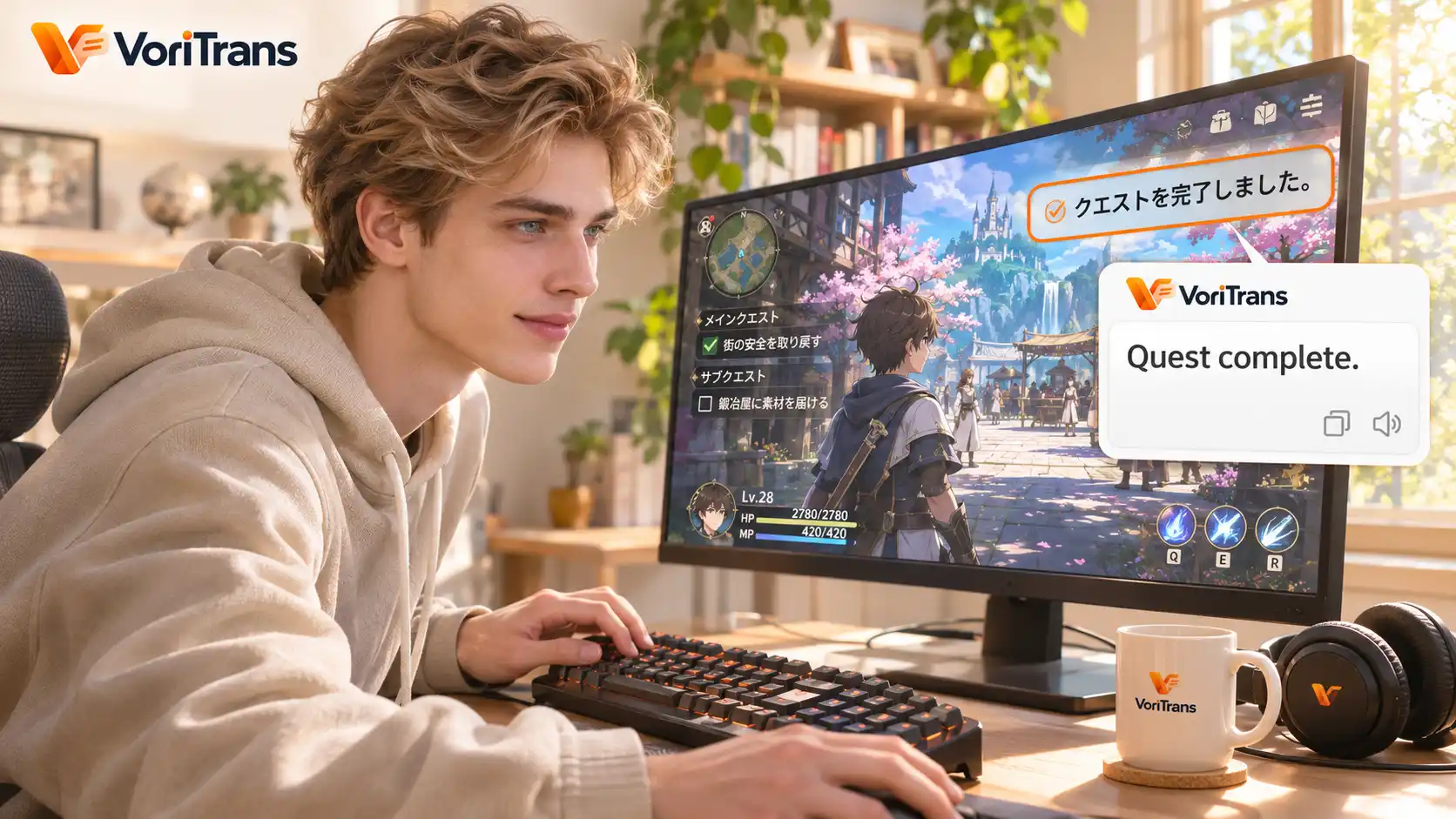
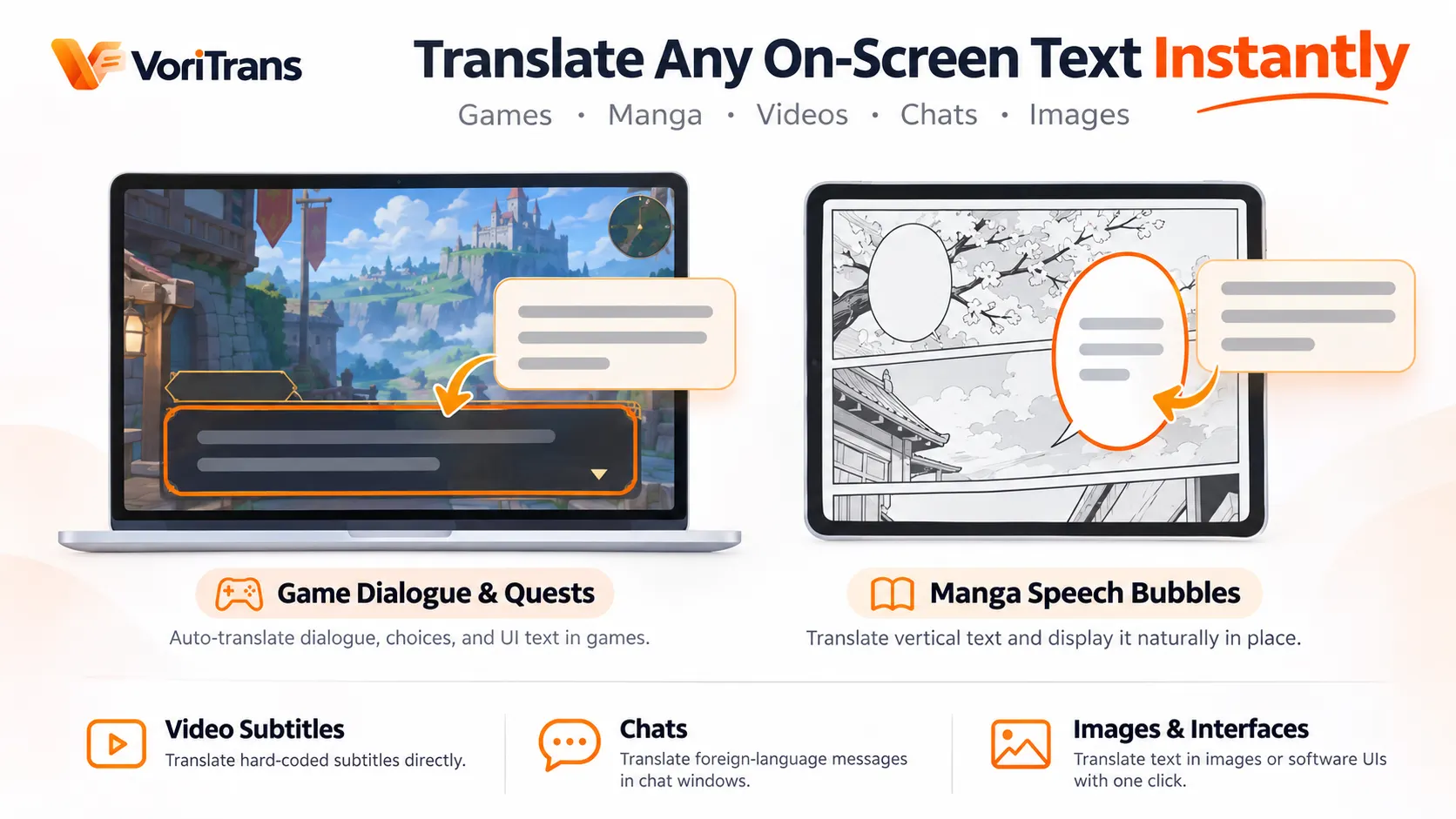
- Game dialogue and quests: story lines in Japanese RPGs, line-by-line exchanges in text-based romance and visual novels, option menus in galge — select the dialogue region and the translation follows.
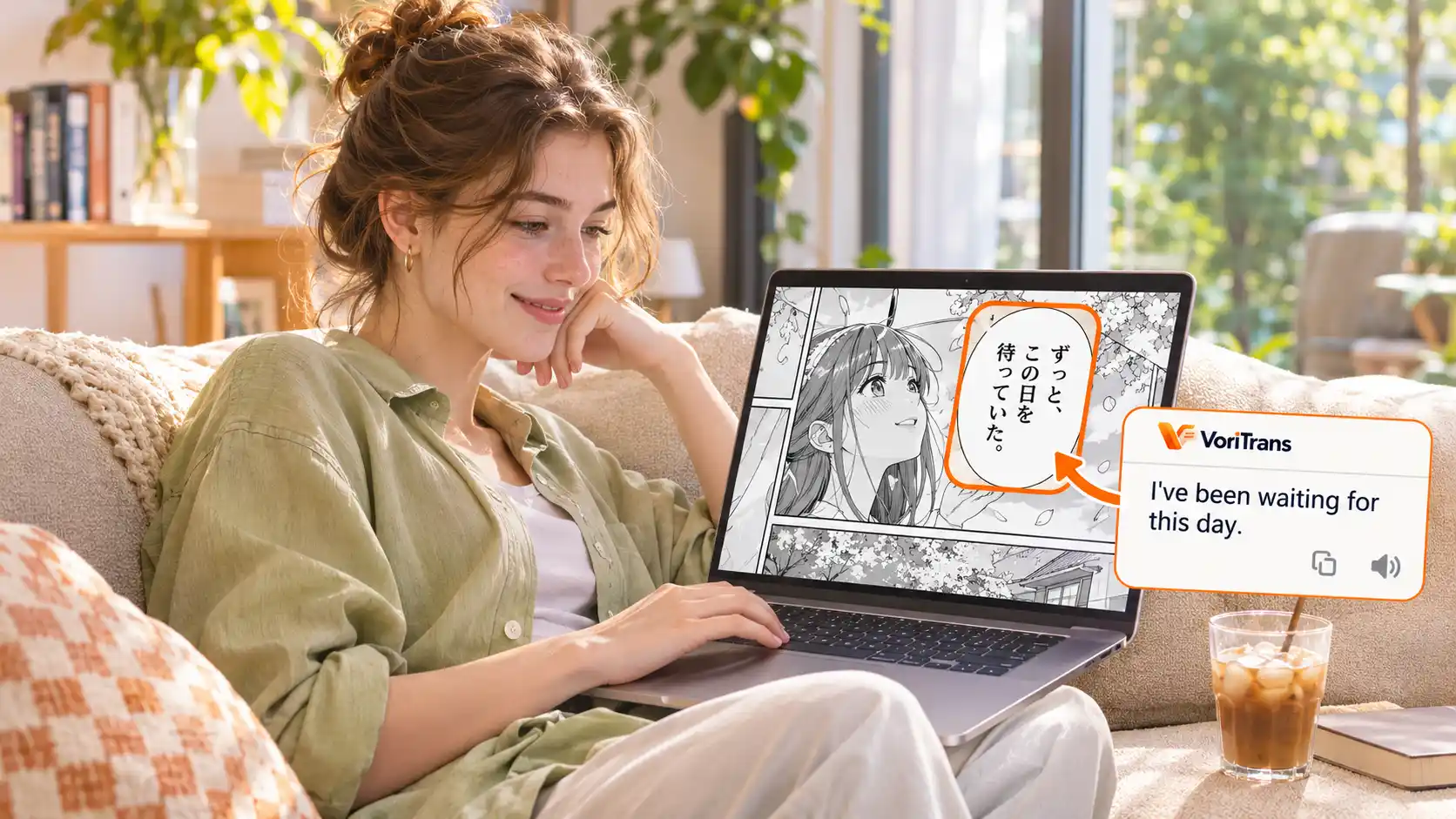
- Manga bubbles: vertical text is the biggest barrier to reading raw manga, and some tools now flow the translation back into the original bubbles so dialogue and artwork stay connected.
- Hard subtitles: existing subtitles in a video frame can be replaced in place, so you stop pausing raw videos.
- Chat and images: foreign messages in a chat window, text inside pictures and software interfaces are equally in scope.
The common thread: if the text is on screen but not selectable, this is the tool for it.
Three things to check before you start
- Compatibility: some tools cannot display overlays over exclusive fullscreen games; windowed or borderless mode is the usual advice, so check the notes for your game.
- Recognition quality: OCR depends on text clarity, layout and background. Stylized fonts and busy scenes lower accuracy; keeping the selected region tight around the target text is the most effective fix.
- Language support: source and target language coverage differs by tool. The common CJK and English combinations are widely available; rarer pairs need checking in advance.
Start with a free option
The market spans open-source utilities and ready-to-use commercial software, and the differences show up in recognition stability, translation layout and update behavior. If you would rather skip configuration, VoriTrans is a straightforward option: select a region once and it keeps translating, overlays the result in place, and supports 105 languages, with the Windows client available on the official download page. It is tuned for game dialogue and manga bubble scenes — learn how VoriTrans works before deciding whether it fits your reading habits.
FAQ
Can a screen translator translate games?
Yes. It reads the text displayed on screen, so game dialogue, quest descriptions and interface text are all in scope, especially for text-heavy genres like story RPGs and visual novels. Results depend on how clearly the text renders, and some fullscreen titles require windowed mode.
Do screen translators cost money?
Most tools have a free tier. VoriTrans, for example, grants free accounts a monthly allowance of translation credits for its local model — enough to get started — and you only upgrade when you need more capacity. Plan details are on the official pricing page.
How accurate is a screen translator?
Quality tracks text clarity, layout and background, so clean readable text works far better than stylized or cluttered scenes. Language coverage also varies by tool, so confirm your language pair is supported before committing.